Destroy a Vault Patch Notes
Bosses, Weather themes, celebration codes, and how to stay current.
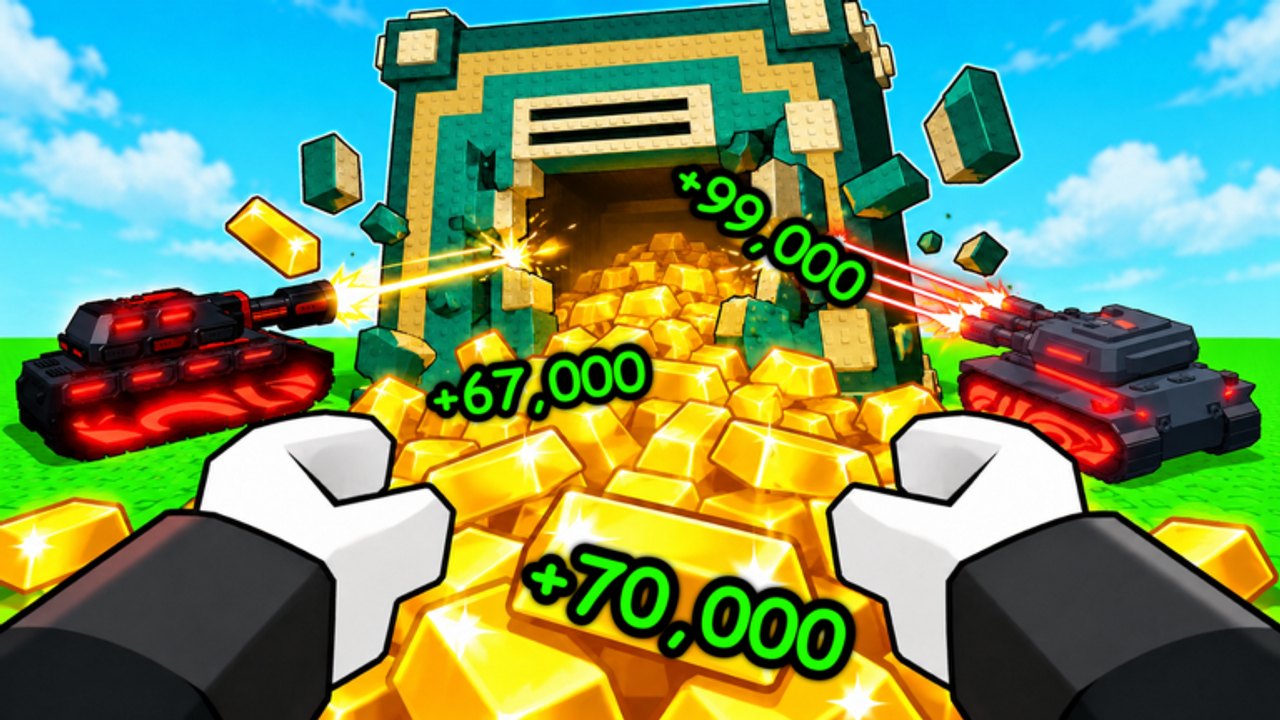
This Updates Hub tracks Destroy a Vault patches from LoopForge Studios so you know when codes drop, when the experience title flips to a new theme, and which systems got love. The game launched on Roblox around July 2026, climbed past 2M+ visits, and keeps iterating on robots, vaults, and quality-of-life. Bookmark this page beside the codes list and the wiki overview.
Bosses is the current live theme. Weather was the prior theme title tag. Deep notes: Bosses Update and Weather Update. In-game Bosses playbook: Bosses Guide.
How LoopForge ships themes
Destroy a Vault often signals a content beat by changing the live experience title—community listings have shown tags like Bosses (current) and Weather (prior) wrapped around the core name. Treat those title flips as patch headlines: a Bosses-tagged build emphasizes tougher vault targets or boss-style encounters layered on the smash loop, while a Weather-tagged build highlighted environmental flair and seasonal scripting around Gold farming. Exact feature lists live on the official Discord; this hub summarizes what players should do when a theme lands.
Whenever a theme update goes live:
- Rejoin the experience so assets and shops refresh.
- Check Settings for new promo codes.
- Re-evaluate your army on the tier list—new robots or economy tweaks can move S/A cutoffs.
- Continue Index hunting on the robots & index hub if new uniques were added toward the 76-robot goal.
100K celebration and visit milestones
Crossing large visit milestones is classic Roblox simulator energy. The 100K code celebrates a major community checkpoint and typically grants Cash you can dump straight into Robot Damage or Battery. Pair it with evergreen launch codes when they still redeem:
| Code | Typical reward focus | Notes |
|---|---|---|
100K | Cash | Celebration / milestone drop |
UPDATE | Gems (often a large bundle) | Funds Mutation Cores at the Market |
RELEASE | Starter Cash | Launch / evergreen gift |
Codes expire without warning. Redeem early, then spend with the usual priority: Damage → Battery → Luck → Roll Spots, delaying Vault Gold Value until it stops feeling overpriced. Gems from UPDATE should almost always become Mutation Cores for your strongest board robot, not impulse Market junk.
Bosses update checklist (current theme)
Full patch-notes style page: Bosses Update. When the title or Discord announces a Bosses beat, expect pressure on clear times and reward spikes on harder vaults. Practical response:
- Field your highest effective DPS lineup (mutations count—see the tier list).
- Keep Battery upgrades current so robots do not idle mid-fight.
- Smelt Gold promptly; Cash gates both army upgrades and new unique buys.
- Watch for Gem drops on tougher clears—Cores matter more when bosses stretch fights.
If new boss-themed robots appear, buy new Index uniques even when they are mid-tier on DPS. Index Luck still ticks every five uniques toward the 62.5% full-collection bonus.
Weather update checklist (prior theme)
Archived notes: Weather Update. Weather was the prior theme — it usually dressed the map and may have coincided with script/community tooling labeled the same way. Still-relevant habits for legitimate progression:
- Confirm whether roll luck, Gold rates, or shop prices changed.
- Keep collecting offline Gold, then smelt on login.
- Use spare Cash on Index gaps while the event energy is high.
- Avoid risky third-party tools; if you research automation, read the safety notes on the scripts hub and never share account credentials.
Weather patches are a good reminder to re-verify codes—LoopForge often drops an UPDATE-style gift alongside visual refreshes.
Staying updated the right way
Official news flows through the LoopForge Studios Discord and the Roblox experience page. Player-facing habit stack:
- Join Discord and enable announcement pings.
- Skim this Updates Hub after each title change.
- Refresh codes before long sessions.
- Recheck guides and getting started if onboarding steps shift.
- Re-rank your army with the tier list and Index plan on robots.
Do not trust random social screenshots alone—confirm code spelling in-game. Expired codes fail even when typed perfectly.
What usually changes between patches
Across Destroy a Vault updates you will commonly see:
- New or rebalanced robots feeding the 76-entry Index.
- Economy tuning on Gold, Cash, or upgrade prices.
- Mutation / Gem pacing adjustments.
- Island or fusion accessibility tweaks for mid-game players.
- QoL on rolling, smelting, and slot purchases.
- Fresh celebration codes tied to visits or concurrent peaks.
When balance shifts, re-read upgrade priority: early Damage still outperforms early Vault Gold Value in most patches because faster clears fund everything else.
After-patch spending plan
A clean post-update hour looks like this:
- Redeem every live code.
- Smelt stored Gold.
- Buy the next Damage or Battery level if affordable.
- Purchase any cheap new unique for Index Luck.
- Roll for mutated high-DPS offers; skip duplicate Commons.
- If island two is owned, advance a fusion set of four identical non-fused robots.
- Apply a Mutation Core to your carry if Gems allow.
That sequence keeps patch excitement from turning into wasted Cash.
Roadmap mindset
LoopForge is actively supporting the title post-launch. Expect more themed title swaps, milestone codes, and robot additions rather than a frozen meta. Child pages now cover Bosses Update (current) and Weather Update (prior). Treat title labels as your cue to refresh codes, army, and Index priorities—and lean on the rest of destroyvault.wiki for systems depth.
For the full loop encyclopedia, open the wiki overview. For automation discussions and warnings, see scripts. Keep smashing vaults.
Related Destroy a Vault pages
- Read the upgrade priority guide for deeper tactics.
- Read the mutations guide for deeper tactics.
- Read the robot fusion guide for deeper tactics.
- Read the economy guide for deeper tactics.
Frequently Asked Questions
Quick answers to the most common Destroy a Vault questions.
Where do new Destroy a Vault codes appear?
LoopForge Studios Discord announcements and the in-game Settings redeem box. Also check this site’s codes hub after each update.
What is the 100K code for?
It celebrates a major visits milestone and typically grants Cash for upgrades. Redeem it before it expires.
What do Bosses or Weather title tags mean?
Bosses is the current theme (harder vault/boss focus). Weather was the prior theme tag. Rejoin, redeem codes, and recheck your army — see Bosses Update and Weather Update.
Should I respec upgrades after every patch?
Usually no. Keep prioritizing Robot Damage, then Battery, then Luck unless notes explicitly rework costs.
Are scripts required after updates?
No. The intended loop is roll, smash, smelt, upgrade. Read the scripts hub only for safety context if you research third-party tools.